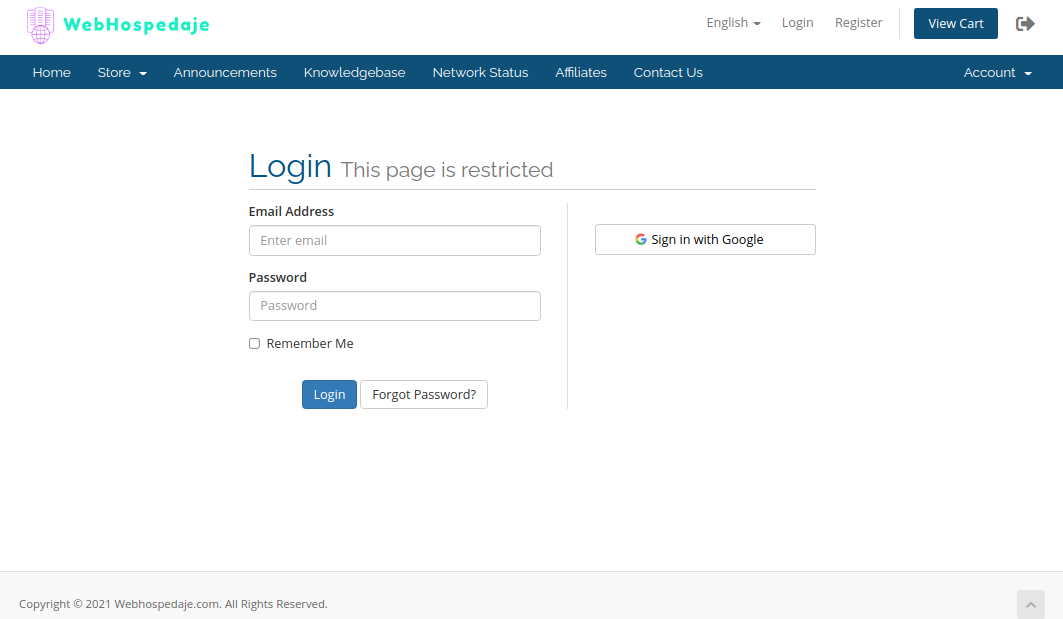
1.- First you must log in to your Webhospedaje.com account here with your registration email and password, or you can also use the Access with Google button to enter directly with your Gmail account which must be the same with which you created your account:
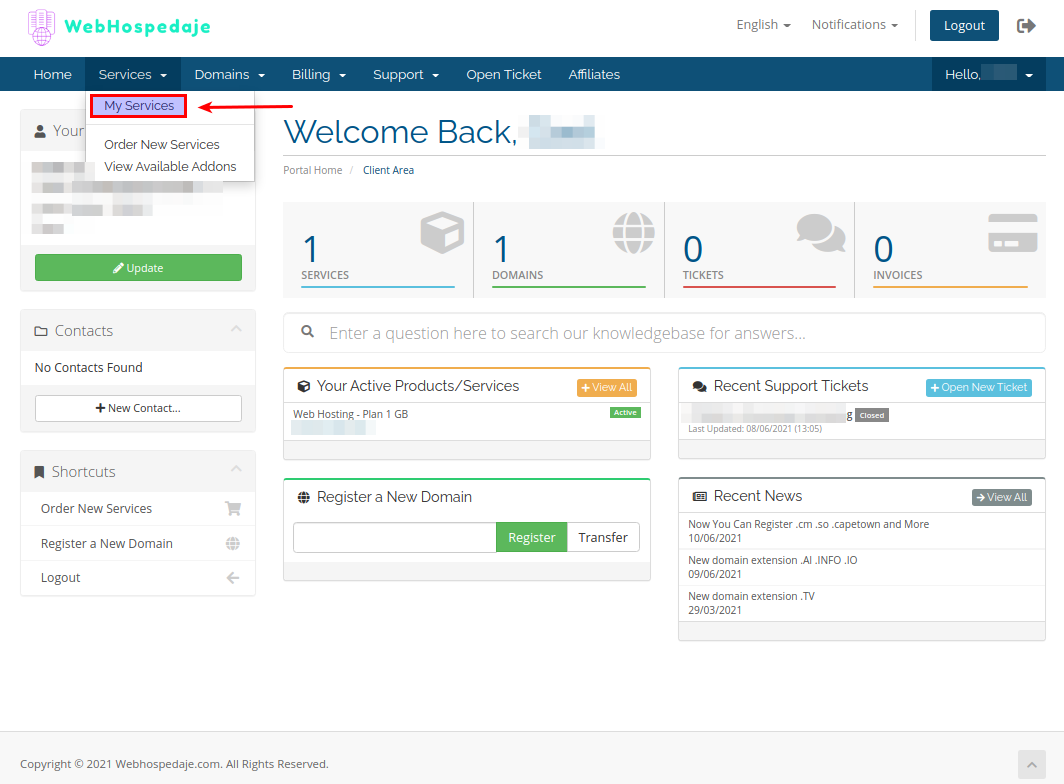
2.- Once inside your account, you must go to the main menu, then to Services, and within this go to My Services where you will find the contracted Web Hosting plans:
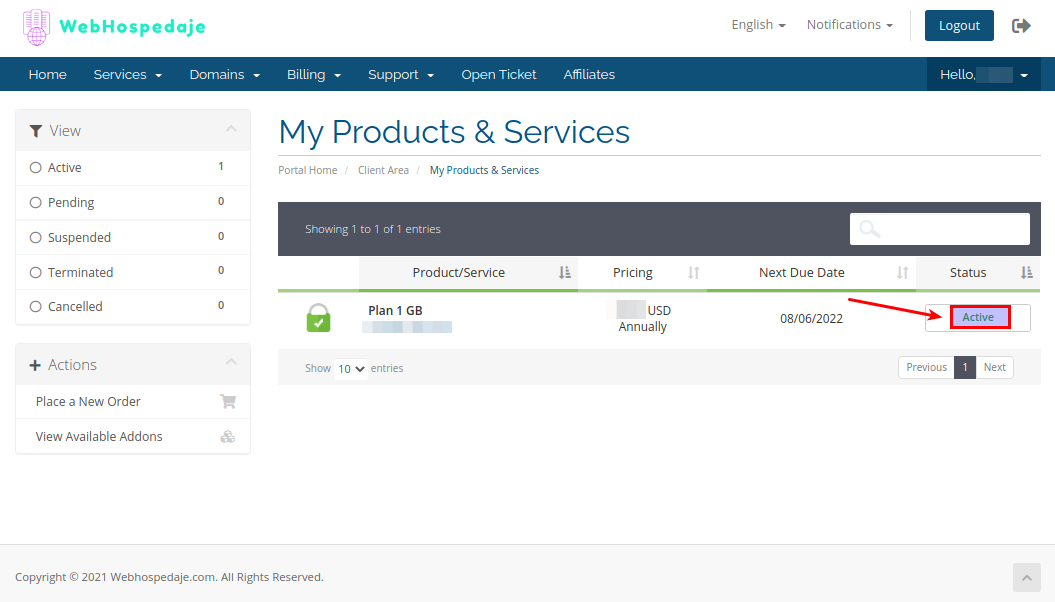
3.- Now select a Hosting service that is Active:
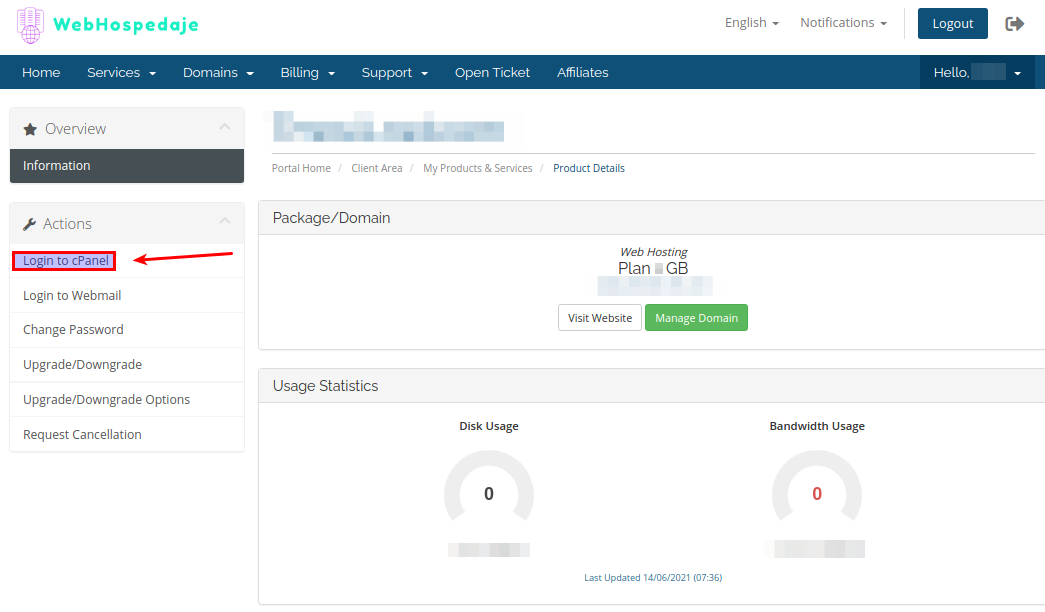
4.- Finally, go to the Actions menu on the left side in the Login to cPanel section: